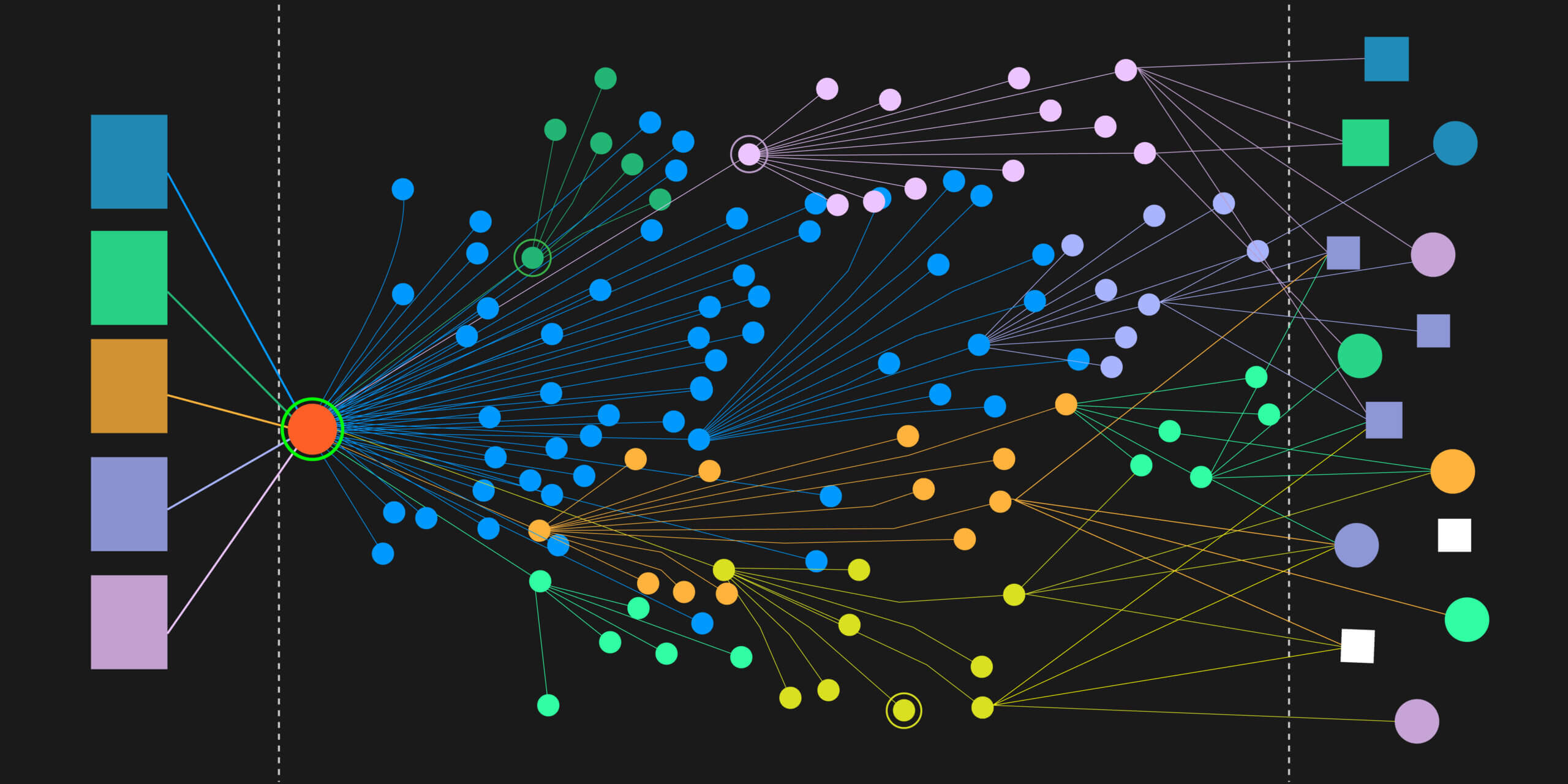
Figure 1: A Virtana Container Observability alert correlated with an existing Splunk alert
Your infrastructure monitoring shows everything’s green; CPU, memory, and network all look healthy. But users are complaining about slow checkout times and your customer satisfaction scores are dropping. Sound familiar?
This is a hidden gap in observability that many teams face. Infrastructure health doesn’t tell the full story of application performance, and when your logs live in Splunk while infrastructure monitoring lives elsewhere, correlating issues becomes a time-consuming puzzle during production incidents.
You don’t have to choose between comprehensive observability and your existing Splunk investment. Virtana’s new Splunk integration bridges this gap, creating a true single pane of glass that respects your current toolchain while delivering unified visibility.
The Hidden Gap in Observability
Modern applications are complex. A perfectly healthy Kubernetes cluster can still deliver terrible user experience if application-layer issues are lurking beneath the surface. Database query performance, application logic errors, or third-party API failures can cripple user experience while leaving infrastructure dashboards looking pristine.
Many organizations have made significant investments in Splunk for centralized logging – representing carefully planned architectures, trained teams, and substantial licensing commitments. Migrating or duplicating log data isn’t just expensive; it’s often a non-starter.
When incidents occur, teams play detective across multiple tools. Infrastructure alerts fire in your observability platform while application context lives in Splunk. Engineers waste precious minutes switching between tools, losing context, and struggling to correlate infrastructure metrics with application behavior.
The result? Alert fatigue, longer MTTR, and the dreaded “everything looks fine, but users are “angry” scenarios.
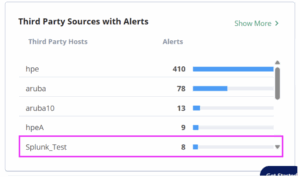
Figure 2: Splunk alerts surfaced in Virtana alongside other Third Party Alerts
Why Teams Choose This Hybrid Approach
Teams increasingly recognize they need both comprehensive infrastructure observability AND their existing Splunk investment working together. This isn’t about replacing tools – it’s about making them work in harmony.
Common scenarios where integration becomes critical:
- Application Performance Mysteries: Kubernetes nodes run smoothly, but application response times spike. Root causes live in Splunk logs, but without integration, you’re manually correlating infrastructure metrics with application errors.
- Alert Storm Confusion: Complex incidents trigger both infrastructure alerts and Splunk application alerts. Without integration, these appear as separate issues, leading to duplicate work and confused incident response.
- Compliance Requirements: Regulatory or security mandates require keeping logs in Splunk. Teams need observability capabilities but can’t migrate their logging infrastructure.
Teams want to leverage existing Splunk expertise while gaining infrastructure visibility and automated root cause analysis.
Integration Paths to a Single Pane of Glass
Virtana offers two approaches for viewing your Splunk logs in the Virtana Platform, each designed for different organizational needs and preferences. Here’s how each path works:
Path 1: Ingest Splunk Logs into Virtana
Best for: Teams consolidating their observability toolchain.
Bring Splunk log data directly into Virtana’s unified interface. See application logs alongside infrastructure metrics, container performance, and automated topology mapping in a single view. Virtana connects to your Splunk instance and calls the relevant APIs with specific search queries to bring in the required contextual logs, giving you immediate context when correlating application and infrastructure issues.
Path 2: Cross-Launch to Splunk with Context Preservation
Best for: Teams with heavy Splunk investments who prefer to keep all their log data within Splunk.
Launch directly from Virtana into relevant Splunk views with appropriate time ranges, affected services, and contextual filters already applied. Eliminate manual work of translating context between tools while leveraging existing Splunk expertise alongside Virtana’s infrastructure insights.
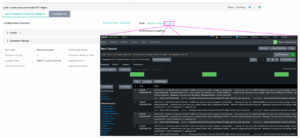
Figure 3: Cross-launch from Virtana Quick Views to see related Splunk Logs
Bringing it together for Unified Alerting
Along with the Logs themselves, customers want to be able to surface alerts related to their application performance that might not be apparent with Container Observability, which is where Virtana’s custom Splunk application comes into play.
Surface your existing Splunk alerts in Virtana’s Global View alongside infrastructure alerts, container performance issues, and automated root cause analysis directly within Virtana. See both infrastructure and application alerts in your familiar Virtana interface, plus Virtana’s topology insights and automated analysis – all within the Virtana Platform.
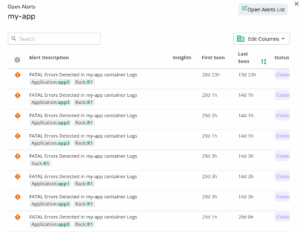
Figure 4: Splunk alerts surfaced in Virtana
Why This Approach Works
By sending your Splunk Alerts to Virtana your team immediately sees both infrastructure metrics and application alerts in the Virtana Platform. So, while you may see healthy containers, alerts reveal database connection timeouts affecting the payment service.
This points your team in the right direction to quickly identify issues without jumping between multiple tools.
Virtana’s Splunk integration succeeds by respecting existing investments while filling critical gaps:
Faster MTTR: When infrastructure and application context live in the same interface, teams spend less time correlating data and more time solving problems.
Reduced Tool Sprawl: Leverage existing investments while extending their value. Get comprehensive observability without managing duplicate data streams or retraining teams.
Better Incident Documentation: Post-incident reviews benefit from correlated infrastructure and application timelines, leading to better root cause analysis and prevention strategies.
This approach acknowledges that different tools excel at different things. Splunk’s powerful search and analysis capabilities complement Virtana’s automated topology mapping, AI/ML powered out-of-the-box alerting and infrastructure root cause analysis.
Getting Started
Ready to see how your Splunk data integrates with comprehensive infrastructure observability? Setup is designed for quick implementation – most teams have basic integration running within their first trial session.
Start Your Virtana Trial: Sign up for a free trial and see how existing Splunk logs enhance infrastructure visibility. Our technical team will walk you through integration options and help choose the approach that fits your workflow.
The goal isn’t replacing existing tools – it’s making them work together seamlessly so your team can focus on solving problems instead of juggling interfaces.
Evaluating Observability Solutions? Read our Container Observability Checklist guide to see what IT leaders need to look for; or explore a guided tour to see how Virtana Container Observability helps teams reduce alert noise and improve MTTR.

David McNerney
Director of Product Management