Virtana Container Observability is now certified to run on GKE Autopilot, a fully managed mode of Google Kubernetes Engine (GKE). With this certification, Virtana provides immediate, complete observability for containerized applications, collecting critical observability data, including metrics, traces, logs, events, topology, and configuration, within the secure and self-managing Autopilot environment. Leveraging Virtana Container Observability, users gain comprehensive visibility and performance insights across their GKE Autopilot clusters.
So, you’ve embraced Google Kubernetes Engine (GKE) Autopilot. Smart move! You’ve offloaded the process and effort of managing nodes, scaling your infrastructure, and patching the Kubernetes control plane. Google handles monotonous work, and you just deploy your containers. Sounds easy…
However,it’s important to ensure you couple the simplicity of setting up Kubernetes clusters with an equally simple and robust way of observing that environment. Otherwise, without a complete view of your system, you’re flying blind.
A properly functioning Kubernetes environments means you need comprehensive observability. It’s not just about one or two data sources; it’s about stitching together the complete story of application and infrastructure health and performance.
The Six Pillars of GKE Autopilot Observability
Having a complete observability picture relies on six interconnected telemetry types. Each one gives you a different, critical piece of the observability puzzle.
Logs: What Happened?
Logs are your application’s diary. They provide granular, time-stamped records of specific errors, transactions, or state changes within your application and infrastructure. For example, if Pod is starting and stopping continuously, stuck in a CrashLoopBackOff, the first thing you’ll check are the container logs. They can tell you exactly what is wrong inside your application causing the container to loop through crashes.
Metrics: How is it Performing?
Metrics track the vital signs of a system. They are numerical measurements tracked over time, like CPU usage, memory consumption, request latency, and error rates. In Autopilot, metrics are critical for:
- Performance: Is your application slow to read from disk? Are your error rates high? Are your pods rightsized? Performance metrics tell you if your applications are misbehaving or are over- or under-provisioned (wasting money or risking performance issues).
- Health: Is one of your components down or degraded? Are your liveness and readiness probes positive? Do your desired replicas match the running count? Health and state metrics help quickly identify.
- Alerting: Having alerts on key metrics (e.g., “response time is over 500ms”) allows you to proactively detect issues before your users do and before the mission and profits are impacted. A good observability platform enables you to create alerts on the set metrics and their thresholds. A great observability platform defines those alerts for you (including learning what normal is for your application) without requiring human intervention. (Spoiler Alert: Virtana is a great observability platform, learning your application’s behavior and creating automated, out-of-the-box alerts.)
Traces: Where Did It Go Wrong?
In modern architectures, a single user request can travel through dozens of services. When a request is slow, how do you find the bottleneck? That’s where distributed tracing comes in. A trace follows a single request through your entire system, showing you how much time was spent in each service, database call, or API request. It turns “the app is slow” into “the user-payment-service is taking 4 seconds due to a slow database query.”
Events: What Changed?
Events are records of discrete actions occurring within your cluster. They can be considered almost like an audit trail for your environment. Did a new version of your app get deployed? Did a pod get evicted? Did Autopilot scale up your workload? Kubernetes events provide the context behind changes in your system’s behavior. A sudden spike in errors (a metric) might correlate with a new deployment of that service (an event). Having access to these events in the context of a problem is essential when diagnosing issues.
Configuration: How is everything set up?
When you need to understand an entity, configuration is key. Whether it is a container’s resource limits, the storage it uses, or the environment variables and ConfigMaps attached to workloads in a Pod, knowing how an entity is configured is an important (but often ignored) piece of the observability puzzle. Having configuration data inside your observability platform allows you to understand whether a failing component is truly running within the developers’ intended boundaries, parameters, and dependencies, helping isolate problems more quickly.
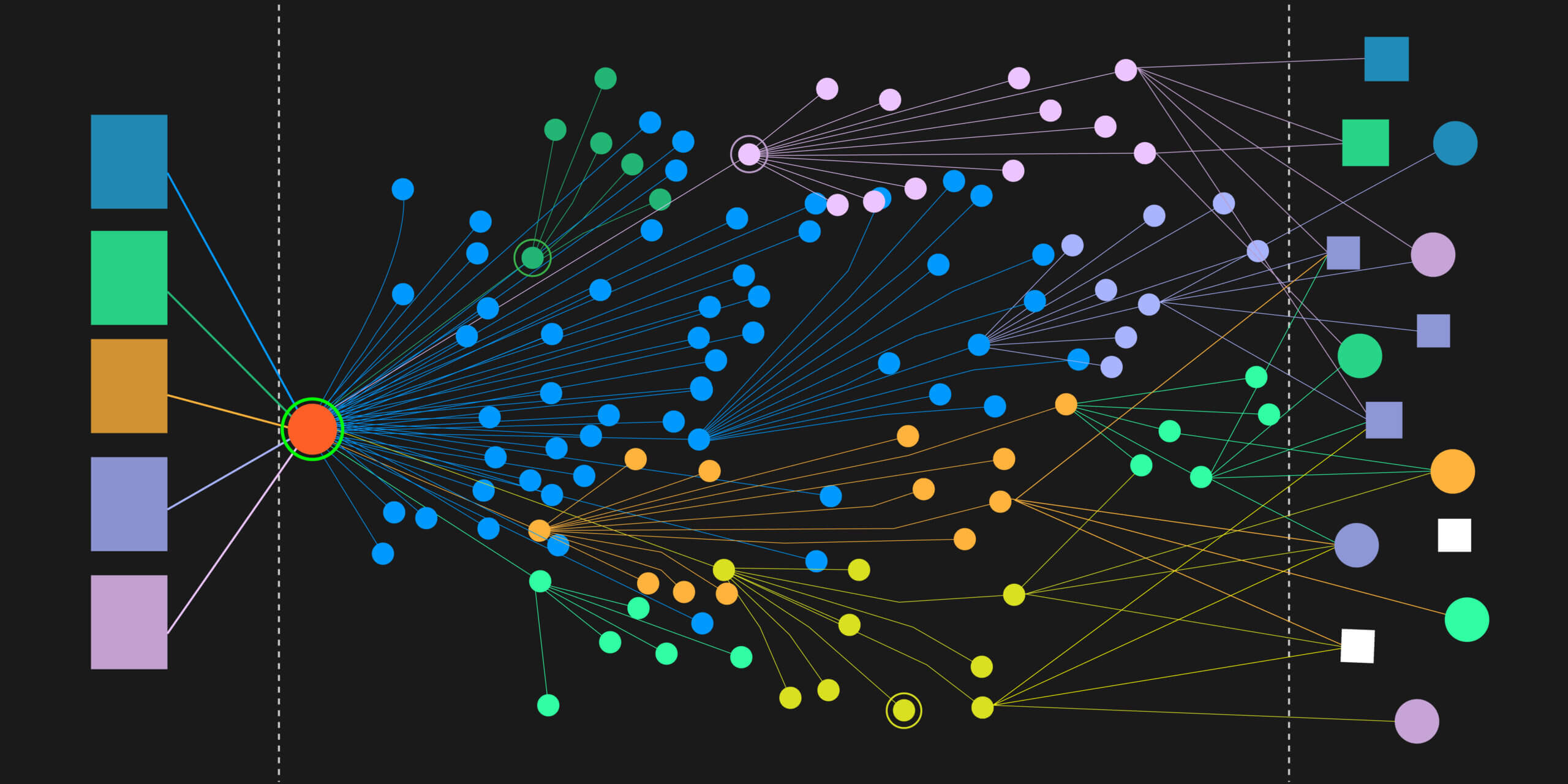
Topology: How is it All Connected?
Your application isn’t a monolith; it’s a network of interconnected components. A topology map gives you a real-time, visual representation of these relationships. It helps you understand dependencies, see how services communicate, and quickly identify the fault domain of a failing component. Topology is incredibly important in any environment, but in the case of increasingly complex, large-scale, and, in the case of GKE Autopilot, highly dynamic infrastructure and application workloads, a topology view is critical for maintaining clear visibility and situational awareness.
Putting It All Together
The real power of all this telemetry comes when you use it all together. A typical debugging workflow might look like this:
- An alert fires for high latency (Metric).
- You look at the service topology and see which downstream services are impacted.
- You look at a Deployment’s YAML manifest (Configuration) to see if appropriate replica counts were used.
- You check the Events and notice a new deployment happened right before the alert fired.
- You pull up a Trace for a slow request and pinpoint the specific microservice causing the delay.
- Finally, you check the Logs for that service’s pods to find the exact error message.
Virtana Container Observability provides all of the above in a single, Autopilot-certified platform, with every step automatically detected, alerted on, and visualized. Virtana learns normal response times for your GKE Autopilot workloads, alerts when things slow down, isolates the involved topology, links you to configuration, events, and problematic traces related to the slowdown, and highlights logs showing the root cause of the failure.
GKE Autopilot is a great platform that frees you from infrastructure toil. But that freedom should be used to focus on what matters most: building and running reliable applications. Virtana provides the platform for executing on a complete and robust observability strategy that covers logs, metrics, traces, events, configuration, and topology. Don’t let the “managed” nature of Autopilot lull you into a false sense of security. Own your observability with Virtana Container Observability.

Cesar Quintana
Virtana’s Director of Container Observability Strategy